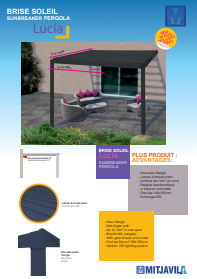
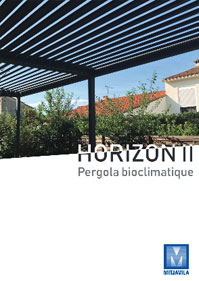
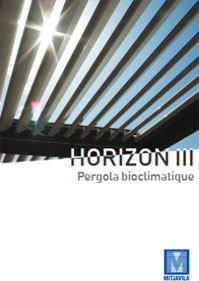
Dans la famille des pergolas orientables dites bioclimatiques, MITJAVILA offre plusieurs modèles adaptés selon les configurations et les dimensions de votre terrasse. La Lucia, le modèle Horizon de la 1 à la 3. Qu’est-ce qu’une pergola bioclimatique ?
On parle de pergola bioclimatique car elle permet de réguler la chaleur selon l’orientation de ses lames aluminium. Lames fermées vous avez une occultation complète du soleil couplé à une protection contre les intempéries. Lames ouvertes ou entrouvertes vous bénéficiez d’une ventilation naturelle sous les lames de la pergola. La pergola bioclimatique offre des mètres carrés supplémentaires à votre habitat ou restaurant. Elle fera de votre terrasse un lieu confortable tout au long de l’année. Dès le plus petit modèle comme la pergola LUCIA jusqu’au modèle aux dimensions XXL, la pergola Horizon 3.
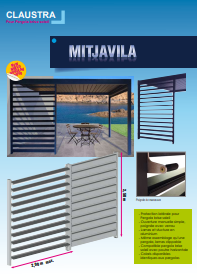
Il est possible d’agrémenter la pergola bioclimatique d’option d’habillage sur les côtés pour gagner en intimité et protection. Le claustra à lames orientables présenté ci-dessus en fait partie.